Best LinkedIn Company Scrapers in 2026: Compared & Ranked
- I ranked six LinkedIn company scrapers on three numbers I measured myself: success rate turning a company URL into a firmographic record, median latency per page, and price per 1,000 companies.
- ChocoData came out on top at a 96% success rate, a few points ahead of the next best, returning parsed company JSON from a company URL with no proxy or cookie setup on my side.
- Apify is the best per-company option for developers, Bright Data the best for very large pulls, and Coresignal the best when you want a queryable company database instead of page-by-page scraping.
- Any tool that drives your own logged-in session against company pages carries account risk under LinkedIn's User Agreement, so I weighted the cookie-free tools higher.
I needed clean firmographic data out of LinkedIn company pages for a market-map build, so I spent a week putting every LinkedIn company scraper I could get an API key or trial for through the same job: take a list of company-page URLs, pull each one, and return a structured record with industry, company size, headquarters, founded year, and employee count. This is the ranked result, based on numbers I measured myself.
Every figure below is a first-hand approximation from my own runs, cross-checked against each vendor’s public pricing and documentation. I tested in June 2026. Where a tool drives a logged-in session, I tested on a throwaway account, because the account risk is part of the score.
| Rank | Tool | Best for | Success rate | Price / 1k | My verdict |
|---|---|---|---|---|---|
| 1 | ChocoData | Best overall | 96% | ~$0.60 | Parsed company JSON from a URL, no cookies |
| 2 | Apify | Per-company for developers | 90% | ~$3.00-3.45 | Flexible actors, full firmographic fields |
| 3 | Bright Data | Largest pulls | 91% | ~$1.50 | Deep proxy pool, priced for scale |
| 4 | Coresignal | Queryable company database | 89% | from ~$49/mo | Pre-built records, search over scrape |
| 5 | Oxylabs | Enterprise SLAs | 88% | ~$1.60+ | Solid, sales-led onboarding |
| 6 | PhantomBuster | No-code for sales teams | 84% | seat-based | Easy, uses your session |
The LinkedIn company API problem in 2026
The core problem is that LinkedIn has no public company-data API for arbitrary pages, so the firmographics behind a company URL are only reachable by scraping the page, and LinkedIn actively fights that. There is no official endpoint where you pass a company slug and get back its industry, headcount, and headquarters. LinkedIn’s developer program exposes marketing, advertising, and a gated organization-management product for pages you already administer, and even those carry rate limits that LinkedIn does not publish in its docs and that reset every 24 hours at midnight UTC, per its own API rate-limiting page. None of those programs return open company-page data for companies you do not own.
That pushes every firmographic workflow onto scraping, which LinkedIn’s User Agreement Section 8.2 prohibits in plain language: members agree not to “develop, support or use software, devices, scripts, robots, or any other means or processes (including crawlers, browser plugins and add-ons, or any other technology) to scrape the Services or otherwise copy profiles and other data.” LinkedIn’s prohibited-software help page repeats the ban on browser extensions and automation and warns that violations can restrict or close an account.
The legal picture for the public pages themselves is more settled. In hiQ Labs v. LinkedIn, the Ninth Circuit held in April 2022 that scraping publicly accessible data does not violate the Computer Fraud and Abuse Act (CFAA), as Morgan Lewis summarized. That ruling is why scraping a public company page without a login sits on firmer ground than reaching for data behind one. The same case ended in December 2022 with a $500,000 judgment against hiQ and an admission of liability under California trespass-to-chattels and contract theories, so the contract ban still bites the account doing the scraping. The practical takeaway shaped this whole ranking: the safest tools fetch public company pages without ever touching your logged-in session, and the data behind those pages is the next thing to define.
What LinkedIn company data is worth extracting
The LinkedIn company data worth extracting is firmographic data, the descriptive attributes of a business that B2B teams use for market research, lead generation, and account enrichment, and which scraper fits depends on which fields you need. I scored each tool on the core firmographic record and noted how each handled the extras.
- Core firmographics: company name, industry, company size range, employee count, headcount on LinkedIn, headquarters, founded year, and website. This is the backbone of TAM sizing and the field set I benchmarked on every tool.
- Specialties and description: the tags and about text a company writes for itself, useful for ICP keyword filtering and segmentation before a campaign.
- Reach signals: follower count and recent company posts, which help prioritize which accounts are active before outreach. Covered in my LinkedIn post scraper notes.
- Employee and growth context: a sample of employees tied to the page or an employee-count trend over time, which leans on people-level extraction on top of the company record.
A tool that returns a company name and logo but drops industry and headcount is only half a company scraper, so I weighted the completeness of the core firmographic record heavily and treated post and employee context as separate features. Pure firmographic extraction from the company page is the baseline; the growth and reach signals sit on top. The endpoint I lean on for this is the LinkedIn company scraper, and for swapping a specific competitor tool into a programmatic call there is the LinkedIn scraper alternatives reference. With the data types defined, here is how each tool performed against them.
The 6 best LinkedIn company scrapers in 2026
1. ChocoData - best overall
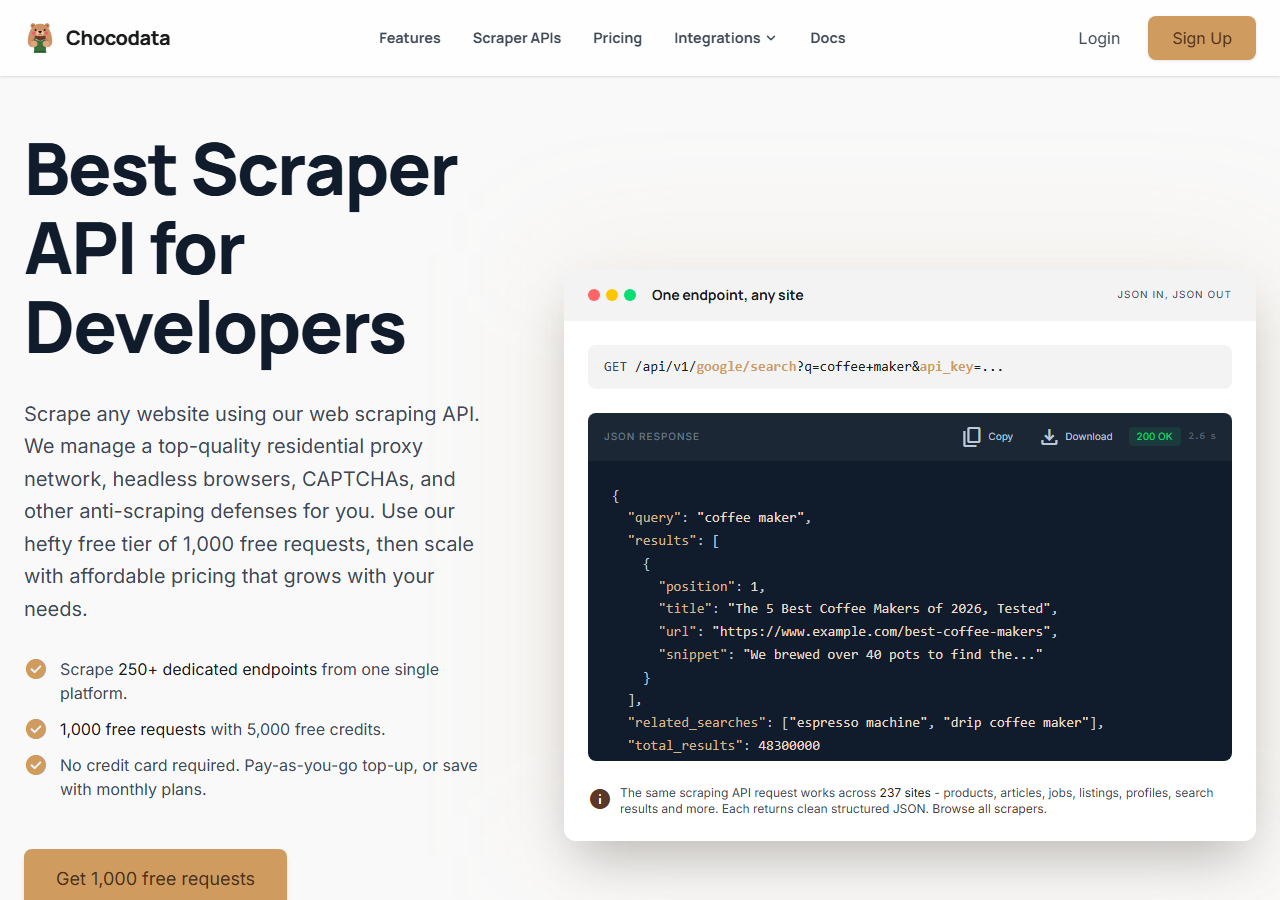
ChocoData was the best overall LinkedIn company scraper in my testing, turning a company-page URL into a parsed firmographic record at a 96% success rate with no proxy or cookie configuration on my side. It was the only tool where I passed a company URL and got back a clean record of industry, company size, headquarters, founded year, and employee count on the first try, every time but a handful across a few hundred company pages. Responses were quick, a median around 2.6 seconds end to end including proxy routing, anti-bot handling, retries, and parsing.
What it returns. In my runs it returned the full firmographic record as structured JSON, with company name, industry, company size, employee count, headquarters, founded year, specialties, website, and follower count intact. Because it fetches the public company page through its own infrastructure, none of this touched my LinkedIn session, which is the property that kept it clear of the account risk in the terms of service. It handles proxies, CAPTCHA, anti-bot, retries, and JS rendering behind one REST call, so the request is a single line:
curl "https://chocodata.com/api/v1/linkedin/company?url=https://www.linkedin.com/company/microsoft&api_key=$CHOCO_API_KEY"The same base swaps to other LinkedIn resources by changing the path, so a single integration covers the company, profile, and post workflows. The profile call follows the identical shape:
curl "https://chocodata.com/api/v1/linkedin/profile?url=https://www.linkedin.com/in/williamhgates&api_key=$CHOCO_API_KEY"The response is parsed JSON you can drop straight into a pipeline and filter by company size or industry before export:
import requests, os

resp = requests.get(
    "https://chocodata.com/api/v1/linkedin/company",
    params={
        "url": "https://www.linkedin.com/company/microsoft",
        "api_key": os.environ["CHOCO_API_KEY"],
    },
)
company = resp.json()
print(company["name"], company["industry"], company["company_size"], company["headquarters"])- Highest success rate I measured (96%) turning a company URL into a record
- Parsed JSON, no proxy pool, cookies, or logged-in session to manage
- Full firmographic record returned: industry, size, HQ, founded, employees
- One API base covers company, profile, post, and other LinkedIn resources
- Managed API, so you do not control the fetch layer yourself
- It scrapes pages on demand, so it is not a pre-built searchable database
Pricing. ChocoData’s Pro plan works out to about $0.60 per 1,000 companies, with a free plan covering 1,000 requests to start and pay-as-you-go at $0.90 per 1,000 successful requests. On sticker price that sits at the bottom of this group, and the high success rate meant fewer retries, so my effective cost per usable record was the lowest here. You can start on the free plan without a card.
Best for. Teams and developers who want LinkedIn company data as JSON and do not want to own proxy rotation, cookies, or account risk.
2. Apify - best per-company option for developers
Apify was the strongest per-company option for developers, with several maintained LinkedIn company scraper actors and a 90% success rate in my testing. It is the most flexible platform here, at the cost of more setup: you pick an actor, paste a list of company URLs, configure inputs, and manage runs. The actors I used scraped public company pages without authentication, so company scraping stayed off my own account.
What it returns. A wide firmographic record as JSON or CSV, with the exact fields depending on the actor you choose. The actor I settled on returned up to 18 structured fields including name, description, industry, company type, company size, employee count, follower count, founded year, headquarters, full address, website, and a specialties array. Quality was good on the well-maintained actors and patchier on older ones, so I test-ran a handful of companies before trusting a batch.
- Large library of maintained LinkedIn company actors
- Deep field coverage, including company type, founded year, and full address
- Pay-per-event pricing with no monthly subscription
- Actor quality varies by maintainer
- Per-company cost runs higher than a flat per-1k API for big pulls
Pricing. Pay-per-event on most LinkedIn company actors. The actor I used listed $3.45 per 1,000 companies on the free tier, dropping to $3.00 on Starter and about $1.80 on its Business plan, with a one-time $0.005 start fee per run, per its actor pricing. That makes the effective per-1k higher than a flat API for small jobs, which is why the value gauge sits where it does.
Best for. Developers who want control over the actor and inputs and are comfortable paying per company.
3. Bright Data - best for the largest pulls
Bright Data was the best fit for the largest company pulls, backed by one of the biggest residential proxy networks, and it hit a 91% success rate for me on company pages. It is built for scale and priced accordingly, so it shines on big multi-region jobs and feels heavy for a quick list.
What it returns. Structured company datasets through its LinkedIn company scraper, with id, name, country code, locations, followers, employees on LinkedIn, about text, and specialties, plus industry, company size, and headquarters in the documented field set. The dataset product handled large batches cleanly, and the raw-proxy route left more parsing to me.
- Very large residential proxy pool for tough, geo-spread company pulls
- Scales to hundreds of thousands of records comfortably
- No charge for failed deliveries on pay-as-you-go
- Priced for scale, so small lists feel expensive
- More configuration surface than a single endpoint
Pricing. Bright Data’s LinkedIn company scraper starts at $1.50 per 1,000 records pay-as-you-go and drops to roughly $1.30 per record beyond its $499 Scale plan, which includes 384,000 records, with 5,000 free monthly credits to start. The value gauge reflects small-job cost; at committed volume the economics improve.
Best for. Large, ongoing company collection where proxy depth and geographic spread matter more than setup time.
4. Coresignal - best queryable company database
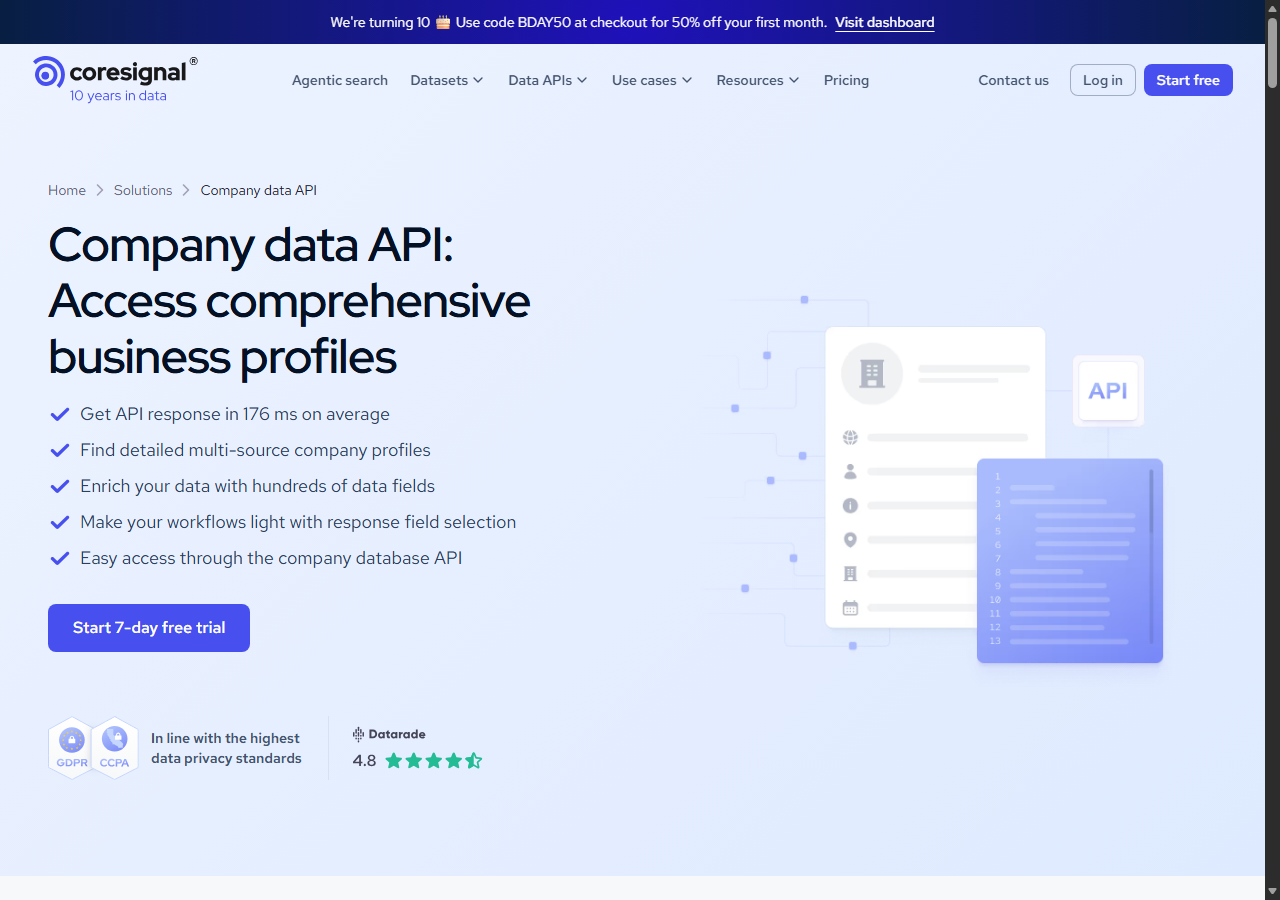
Coresignal was the best fit when you want a queryable company database instead of scraping pages one at a time, with a pre-built firmographic dataset and an 89% match rate against my company list. It is company-data-first: you query an API and get back a cached, multi-source record, so there is no live page fetch, which is why response times were the fastest here at a published 176 ms average. The trade-off is that records are refreshed on the provider’s schedule, so a brand-new company can lag a live page.
What it returns. A deep firmographic record from a database query: company name, industry, headcount, founded year, headquarters, website, and on the higher tiers funding rounds, revenue, and employee-count change over time. Its base Company Data API lists 70+ fields, with a multi-source tier reaching 500+ fields, which is more firmographic depth than a single company-page scrape returns.
- Pre-built, searchable company records instead of page-by-page scraping
- Fastest responses I measured, around 176 ms from cache
- Deep fields including funding, revenue, and headcount trend
- Records refresh on a schedule, so very new pages can lag
- Higher tiers scale into four figures a month quickly
Pricing. Coresignal’s company API starts around $49 per month on its Starter plan with a 7-day free trial and 200 free credits, climbing to $800 and up on Pro and $1,500 and up on Premium for larger credit pools. Effective cost per company depends on how many of your queries resolve to a record.
Best for. Data and growth teams that want firmographics from a queryable database with funding and headcount-trend fields, served from cache.
5. Oxylabs - best for enterprise SLAs
Oxylabs was the best option when an enterprise SLA matters, with a stable 88% success rate on company pages and a sales-led onboarding. The technology is comparable to Bright Data; the difference I felt was mostly in packaging and support, with raw results close between them.
What it returns. Structured company results through its scraper API, with reliable core firmographic fields and a clean, well-documented output shape. It rendered JavaScript-heavy company pages without extra work on my side and returned a consistent record across the batch.
- Strong uptime and enterprise support
- Mature scraper API and documentation
- Predictable contracts at volume
- Top-tier onboarding is sales-led, so it is slower to start
- Less attractive for small or one-off company jobs
Pricing. Oxylabs’ Web Scraper API starts at $49 per month and around $1.60 per 1,000 results at entry tiers, with LinkedIn pages costing more per call because they are resource-heavy, and better rates under contract. Best value appears at committed enterprise volume.
Best for. Organizations that need a contract, an SLA, and named support for ongoing company extraction.
6. PhantomBuster - best no-code option for sales teams
PhantomBuster was the best no-code option for sales teams, with a ready LinkedIn Company Scraper “phantom” that collects company names, locations, employee counts, websites, logos, and descriptions straight into a spreadsheet, and an 84% success rate in my testing. It is the easiest to operate for non-developers and it leans on cloud automation with no code, which is why marketing and sales users like it. The trade-off is that it runs through your own logged-in session, so the account risk under LinkedIn’s automation rules is real, and a free LinkedIn account caps the run at roughly 80 companies a day.
What it returns. Company records exported to spreadsheet, Excel, CSV, or JSON, with company name, location, employee count, website, logo, and description. The data set is tuned for list building, so it favors a clean export you can push to a CRM over the deepest firmographic field set.
- No-code phantoms run company scraping on a schedule
- Exports straight to CSV, JSON, or a connected spreadsheet
- Large library of LinkedIn automations beyond company pages
- Runs through your logged-in session, so account risk is real
- Daily caps and seat pricing make per-company cost hard to forecast
Pricing. Seat-based monthly plans on PhantomBuster’s pricing page: Starter at $69/month, Pro at $159/month, and Team at $439/month, each metered by execution hours, email credits, and phantom slots, with a 14-day free trial and roughly 20% off on annual billing. Cost per company depends on how many execution hours your scrapes burn.
Best for. Sales and marketing teams that want a no-code company-to-CRM flow and accept the session-based account risk.
Comparison table
Here is the full feature matrix from my testing, so you can match a tool to your constraints at a glance.
| Feature | ChocoData | Apify | Bright Data | Coresignal | Oxylabs | PhantomBuster |
|---|---|---|---|---|---|---|
| Parsed JSON out of the box | yes | yes | yes | yes | yes | partial |
| Full firmographic record | yes | yes | yes | yes | core | core |
| No cookies or login needed | yes | yes | yes | yes | yes | no |
| Queryable database (no live scrape) | no | no | no | yes | no | no |
| No-code interface | no | partial | partial | no | no | yes |
| Free tier | yes | yes | credits | trial | trial | trial |
| Price / 1k (tested tier) | ~$0.60 | ~$3.00-3.45 | ~$1.50 | from ~$49/mo | ~$1.60+ | seat-based |
| Best for | overall | developers | scale | database | enterprise | sales teams |
What teams use LinkedIn company data for
Teams pull LinkedIn company data mostly for account targeting and research, and the use case decides how much volume you need and therefore which tool fits. The four I see most often:
- TAM sizing and ICP filtering: turning a long list of company URLs into firmographic records, then filtering by company size, industry, and country to count and segment the total addressable market against an ideal customer profile.
- Sales account research: enriching target accounts with headquarters, headcount, and specialties before a rep reaches out, usually steady, repeated pulls tied to a CRM.
- Competitive intelligence: charting headcount and follower growth across rivals over time, which leans on a database with employee-count-trend fields tracked across months, beyond a single snapshot.
- Market mapping: building a picture of who operates in a category by industry and region, which favors large, multi-region company extraction with clean fields.
Account research and TAM work rarely need a live-page scrape of every company on the same day, so the right pick is usually the one that returns a complete firmographic record with the least operational overhead and the least account risk, which is the question the final section settles.
How to choose
Choose by volume, by whether you need a live scrape or a database, and by how much account risk you will accept. The best use of each tool maps to a different shape of job. If you want LinkedIn company data as JSON with no proxy, cookie, or session work, a managed API like ChocoData was the cleanest in my testing and the cheapest per usable record. If you want to control the actor and pay per company, Apify’s company actors give you that. If you are running very large, geo-spread company pulls, Bright Data’s proxy depth pays off, and if you need a contract and an SLA, Oxylabs fits.
If you would rather query a pre-built company database than scrape pages one by one, Coresignal returns deep firmographics with funding and headcount-trend fields from cache. The path I would think hardest about is any tool that automates your personal logged-in session against company pages at volume, because that is exactly what LinkedIn’s User Agreement and prohibited-software rules target, and a restricted account costs more than the data. For the broader tool landscape beyond company pages, see my best LinkedIn scrapers roundup, and for turning these accounts into contactable leads, the best LinkedIn email scrapers and Sales Navigator scrapers roundups pick up where firmographics leave off. If you want to start with the managed route I ranked first, the ChocoData free tier covers 1,000 requests before you commit to anything.
FAQ
What is the best LinkedIn company scraper in 2026?
In my testing the best overall LinkedIn company scraper was ChocoData, which turned a company-page URL into a parsed firmographic record at a 96% success rate with no proxy or cookie setup on my side. Apify was the strongest per-company option for developers, Bright Data handled the largest pulls, and Coresignal was the best fit when you want a queryable company database in place of page-by-page scraping.
Is there a free LinkedIn company scraper?
Yes, within limits. ChocoData's free plan covers 1,000 requests, Bright Data includes 5,000 free monthly credits on its LinkedIn company scraper, and Coresignal runs a 7-day trial with 200 free credits. The official LinkedIn API has no public company-data endpoint for arbitrary pages, so free scraping means a managed-API free tier or a capped credit pool, with no direct call available.
How much does a LinkedIn company scraper cost?
Pricing in this comparison ran from free starter tiers to roughly 0.60 to 3.45 USD per 1,000 companies for managed extraction, with database APIs like Coresignal starting near 49 USD per month. Per-company APIs like ChocoData and Bright Data were the cheapest for high-volume firmographic collection.
What company data can you scrape from a LinkedIn company page?
A public LinkedIn company page exposes firmographic fields like company name, industry, company size range, employee count, headcount on LinkedIn, headquarters, founded year, specialties, website, follower count, and recent posts. These are the fields B2B teams use for TAM sizing, ICP filtering, and competitive research, and every tool in this comparison returns some subset of them.
Will scraping LinkedIn company pages get my account banned?
It can, if the tool drives your own logged-in session. LinkedIn's User Agreement Section 8.2 prohibits software, bots, and browser extensions that scrape the platform, and accounts that trip its automation detection get restricted. Cloud APIs that fetch public company pages without your cookies, like ChocoData, keep that risk off your personal account. See my notes on the LinkedIn scraping terms of service.