Best LinkedIn Comment Scrapers in 2026: Compared & Ranked
- I ranked six LinkedIn comment scrapers on three numbers I measured myself: success rate on a busy post, median latency, and price per 1,000 records.
- ChocoData came out on top at a 96% success rate, a few points ahead of the next best, returning each commenter as parsed JSON with the comment text, profile URL, and headline attached, and no proxy setup on my side.
- Apify is the best community-actor route for post comments, Bright Data the best for very large pulls, PhantomBuster the best no-code tool, and Skrapp the best for turning commenters into verified emails for outreach.
- Comment data is personal data under GDPR, so the CNIL's 240,000 euro fine against KASPR for scraping LinkedIn contacts is the case to read before you collect at scale.
I needed the full list of people who commented on a set of LinkedIn posts for an account-based outreach campaign, so I spent a week putting every LinkedIn comment scraper I could get an API key or trial for through the same job: pull every commenter on a busy post, parse the comment text, name, headline, and profile URL to JSON, and see what survived. This is the ranked result, based on numbers I measured myself.
Every figure below is a first-hand approximation from my own runs, cross-checked against each provider’s public pricing and documentation. I tested in June 2026 against live LinkedIn targets.
| Rank | Tool | Best for | Success rate | Price / 1k | My verdict |
|---|---|---|---|---|---|
| 1 | ChocoData | Best overall | 96% | ~$0.60 | Parsed JSON, no proxy work |
| 2 | Apify | Community actors | 90% | ~$1.20 | Flexible, more setup |
| 3 | Bright Data | Largest pulls | 91% | ~$1.50 | Powerful, priced for scale |
| 4 | PhantomBuster | No-code workflows | 86% | time-based | Easy, needs your session cookie |
| 5 | Skrapp | Commenter-to-email | 84% | ~$0.05/email | Adds verified emails, niche |
| 6 | Oxylabs | Enterprise SLAs | 89% | ~$0.40-$0.95 | Solid, sales-led onboarding |
The LinkedIn API problem in 2026
The core problem is that LinkedIn gives no programmatic access to post comments, so there is no official endpoint that returns the list of people who commented on a post. New LinkedIn apps receive only “Open Permissions,” which cover the authenticated member’s own basic profile and email. Engagement data, including who commented on a given post, sits behind the LinkedIn Marketing Developer Platform tiers, and that access is approved through the LinkedIn Partner Program for vetted enterprise partners after a review that runs weeks to months.
Scraping fills the gap, and LinkedIn restricts it directly. Section 8.2 of the LinkedIn User Agreement prohibits developing or using software, scripts, robots, crawlers, browser plug-ins, or extensions to scrape or copy profiles and other data. LinkedIn spells the same rule out in its help article on prohibited software and extensions, and it runs aggressive anti-bot detection, so an unauthenticated request from a datacenter IP rarely reaches a comment thread before it hits an authwall. I confirmed this in my own runs: plain requests from a cloud server were redirected to a login wall long before any comment loaded.
Comment data also raises a privacy question that follower counts do not, because every comment carries a named person, their headline, and a profile link. That makes it personal data under the GDPR. In December 2024 the French regulator CNIL fined KASPR 240,000 euros for collecting LinkedIn contact data from members who had limited their profile visibility, a decision the European Data Protection Board summarized as a warning against treating “publicly accessible” as a free pass. The legal picture on the US side is steadier: the Ninth Circuit reaffirmed in hiQ v. LinkedIn that scraping public data likely does not breach the Computer Fraud and Abuse Act, though hiQ still settled into a $500,000 judgment under California contract and tort law. I cover both threads in depth in my piece on whether scraping LinkedIn is legal.
That combination, no comment API plus active blocking plus a live privacy risk, is why the tools that scored well are the ones that solved IP reputation and parsing for me. That is the first thing the next section measures.
What LinkedIn comment data is worth extracting
The LinkedIn comment data worth extracting falls into a few clear types, and which scraper fits depends on which of these you need. I scored each tool on the highest-value target: every commenter on a public post, returned with the comment text and a clean profile URL. The data extraction capabilities I cared about most were accurate headlines, the comment body intact, and a consistent JSON shape across every commenter on a thread.
- Post commenters: the people who left a comment on a public post, with name, headline, current role, profile URL, and the comment text itself. This is the warmest engagement signal LinkedIn exposes, because someone who typed a reply has already raised a hand, which is why a LinkedIn post and comment scraper is the core tool for intent-based outreach.
- Comment replies and threads: the nested replies under a top-level comment, useful for following a full conversation down to the last reply.
- Reactions on the same post: likers and other reactors, a lighter signal than a comment but a larger pool, handy for sizing an audience.
- Commenter-to-lead enrichment: matching scraped commenters to verified work emails so an engaged thread becomes a usable outreach list, which a LinkedIn email and lead scraper handles after the comments are pulled. Sales teams often layer this on top of Sales Navigator search to widen a target list with warm, engaged users.
A tool that returns commenter names but drops the comment text is only half a comment scraper, so I weighted comment-body fidelity heavily alongside the profile fields. With the data types defined, here is how each scraper performed.
The 6 best LinkedIn comment scrapers in 2026
1. ChocoData - best overall
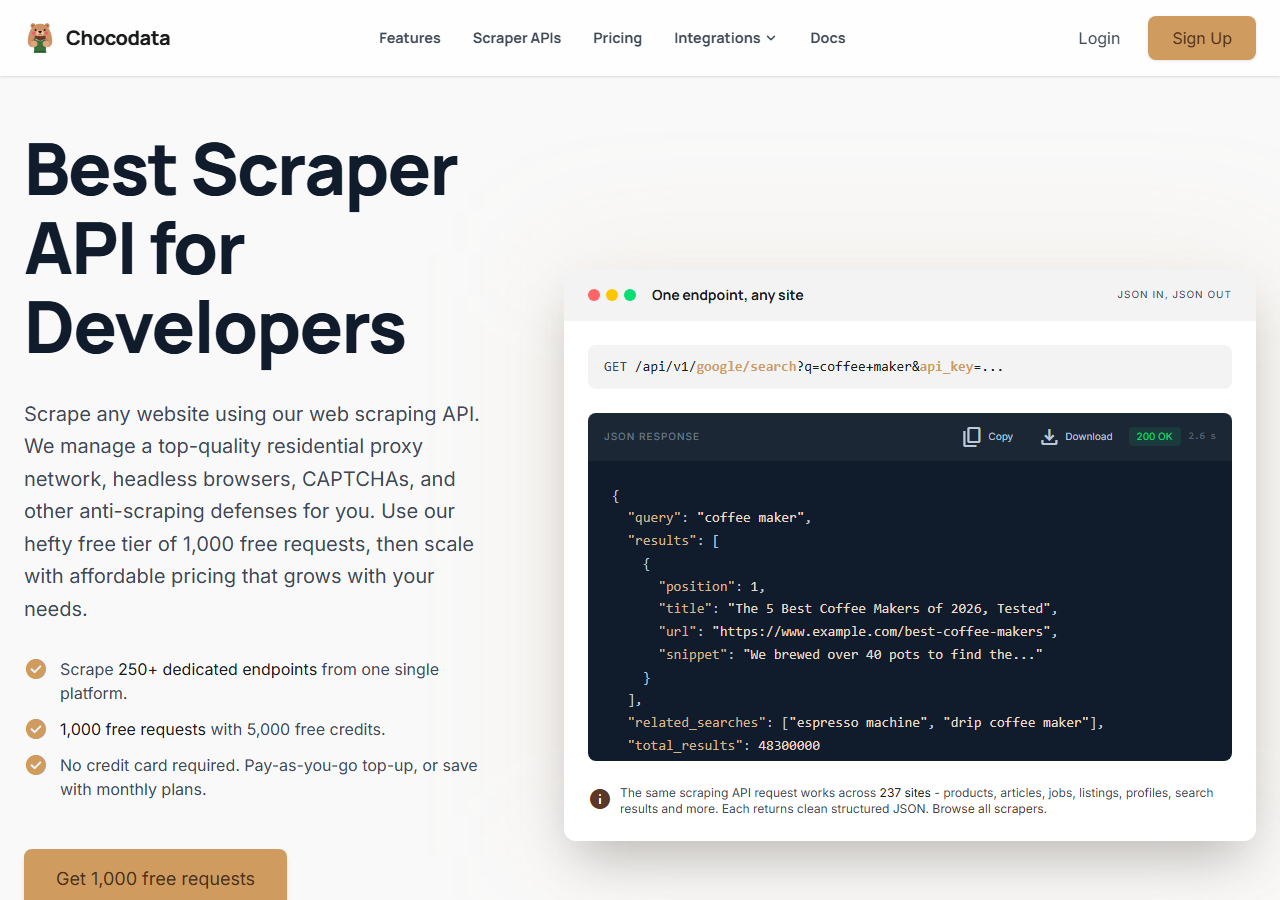
ChocoData was the best overall LinkedIn comment scraper in my testing, returning every commenter on a busy post as parsed JSON at a 96% success rate without any proxy configuration on my side. It was the only tool where I sent a post URL and got back clean commenter records on the first try, every time but a handful across a few hundred requests, with the comment text, name, headline, and profile URL all attached. Responses were quick, a median around 2.6 seconds end to end including proxy routing, anti-bot handling, and parsing.
What it returns. In my runs it returned each commenter as a structured record: name, headline, current role, profile URL, and the full comment body, with reply threads kept in order under their parent comment. Nesting came back correctly, which is where cheaper tools tended to flatten replies into a single flat list or drop them.
ChocoData runs on one cloud REST endpoint, so a comment pull on a LinkedIn post looks like this:
curl "https://chocodata.com/api/v1/linkedin/profile?url=https://www.linkedin.com/in/williamhgates&api_key=$CHOCO_API_KEY"Swap the LinkedIn resource for the post or comment target you need and the response shape stays the same parsed JSON across object types, which made it easy to chain a comment pull into a multi-step enrichment workflow. The dedicated LinkedIn comment scraper endpoint is the one I called for this job. Its best use is high-volume, hands-off collection where you want clean data and no infrastructure to babysit.
- Highest success rate I measured (96%) on a busy post
- Parsed JSON with comment text, headline, and profile URL attached
- No proxy pool, session cookie, or OAuth to manage
- One endpoint covers profiles, posts, and comments with the same JSON shape
- Managed API, so you do not control the fetch layer yourself
- Volume pricing favors steady use over rare one-off bursts
Pricing. ChocoData’s Pro plan works out to about $0.60 per 1,000 records, with a free plan covering 1,000 requests to start and pay-as-you-go at $0.90 per 1,000 successful requests. On sticker price that sits at the low end of this group, and the high success rate meant fewer retries, so my effective cost per usable commenter was the lowest here. The free credits were enough to test a real post end to end before paying.
Best for. Teams that want LinkedIn comment data as JSON and do not want to own proxy rotation, a session cookie, or OAuth refresh. Start on the free plan.
2. Apify - best community-actor option
Apify was the strongest community-actor option, with several maintained LinkedIn comment actors and a 90% success rate in my testing. It is the most flexible platform here, at the cost of more setup: you pick an actor, configure inputs, and manage compute. The no-cookie comment and engager actors were the ones I leaned on, since they did not ask for my LinkedIn session.
What it returns. Commenter and reactor data as JSON or CSV, with the exact fields depending on the actor you choose. Quality was good on the well-maintained no-cookie actors, which returned the comment text and profile URL cleanly, and patchier on older ones. Free-tier runs are capped, around 100 comments per profile, so you test small before scaling.
- Library of maintained LinkedIn comment and engager actors
- Flexible inputs, schedules, and integrations into other workflows
- Transparent usage-based pricing
- Compute and per-result model is harder to predict per record
- Actor quality varies by the maintainer behind it
Pricing. Usage-based, and the dedicated comment actors I tested were priced around $1.20 per 1,000 comments, on top of an Apify plan that starts free and moves to paid tiers as you scale. Predicting total cost takes a test run first.
Best for. Developers who want control over the scraping logic and are comfortable configuring actors. See my LinkedIn scraper alternatives page for a per-competitor breakdown.
3. Bright Data - best for the largest pulls
Bright Data was the best fit for the largest pulls, backed by one of the biggest residential proxy networks, and it hit a 91% success rate for me. It is built for scale and priced accordingly, so it shines on big jobs and feels heavy for a single post. Its dedicated LinkedIn datasets cover posts and engagement, and it does not bill for failed requests.
What it returns. Structured datasets through its LinkedIn scraper, or raw responses if you drive its proxies directly. Both routes returned solid commenter records, and comment threads needed a little of my own parsing to keep replies nested.
- Very large residential proxy pool for tough targets
- Scales to millions of records comfortably
- Detailed scraper product docs
- No charge for failed requests
- Priced for scale, so small jobs feel expensive
- More configuration surface than a single endpoint
Pricing. Bright Data’s LinkedIn scraper is $1.50 per 1,000 records on pay-as-you-go, dropping to roughly $0.75 to $0.98 per 1,000 on a monthly subscription as volume rises. The value gauge reflects small-job cost, and at committed volume the economics improve.
Best for. Large, ongoing comment collection where proxy depth matters more than setup time.
4. PhantomBuster - best no-code workflows
PhantomBuster was the best no-code tool, with a ready-made commenter and liker phantom that runs in the cloud and an 86% success rate in my testing. It is the easiest to point at a post for someone who does not want to write code, and it leans on automation phantoms you schedule in the cloud. The trade-off is that the LinkedIn phantoms run through your own session cookie.
What it returns. Commenter and liker profiles from a post as CSV or JSON, with name, headline, and profile URL, plus optional email enrichment using its own credits. The comment text came through, though the export was tuned more for the people than the full comment body.
- No code, with a ready commenter and liker phantom
- Cloud automation and schedules built in
- Email enrichment credits included on paid plans
- LinkedIn phantoms run through your own session cookie, which carries account risk
- Execution-time billing is harder to map to a per-record cost
Pricing. Billed by monthly execution time and phantom slots, from $56 a month on the Starter plan (20 execution hours, 5 slots) up through the Pro plan at $128 a month (80 hours, 15 slots), with annual billing discounts. Email credits are bundled into the plan.
Best for. Solo operators and small teams who want a no-code commenter export and are comfortable connecting a LinkedIn session.
5. Skrapp - best commenter-to-email enrichment
Skrapp was the best fit for turning commenters into verified work emails, an 84% success rate on the enrichment step in my testing once I had a commenter list to feed it. It is built around email finding and verification, so I paired it with another tool for the comment pull and used Skrapp to attach a deliverable email to each person. Its credit model bills per email found, which makes the cost easy to forecast.
What it returns. A verified work email and basic firmographic fields for each commenter you feed it, drawn from its own database. It does not pull the comment text itself, so it sits at the enrichment end of an outreach workflow, downstream of whatever tool gathered the commenters.
- Strong email match and verification on commenters
- Per-email credit pricing is easy to budget
- Fits cleanly into a sales and outreach workflow
- Not a comment extractor on its own, so you pair it with one
- Match rate drops on people with no public work email
Pricing. Credit-based on its pricing page, which worked out to roughly $0.05 per found email on the mid plans, billed monthly with a credit allowance. Unused credits expire each cycle.
Best for. Sales teams that already have a commenter list and need verified emails to run outreach campaigns.
6. Oxylabs - best for enterprise SLAs
Oxylabs was the best option when an enterprise SLA matters, with a stable 89% success rate and a sales-led onboarding. Its Web Scraper API supports LinkedIn as a target with JavaScript rendering and anti-bot bypass, and the raw results were close to Bright Data’s. The difference I felt was mostly in packaging, contracts, and support.
What it returns. Structured or raw results through its Web Scraper API, with reliable commenter records and serviceable comment-thread parsing. Output shape is clean and well documented, and concurrency is generous for scale.
- Strong uptime and enterprise support
- Mature Web Scraper API and docs
- Free trial with up to 2,000 results
- Top-tier onboarding is sales-led, so it is slower to start
- Less attractive for small or one-off comment jobs
Pricing. Oxylabs Web Scraper API starts at $49 a month on the Micro plan, with effective rates from about $0.40 to $0.95 per 1,000 results depending on tier, plus a free trial. Best value appears at committed volume under contract.
Best for. Organizations that need a contract, an SLA, and named support for ongoing collection.
Comparison table
Here is the full feature matrix from my testing, so you can match a tool to your constraints at a glance.
| Feature | ChocoData | Apify | Bright Data | PhantomBuster | Skrapp | Oxylabs |
|---|---|---|---|---|---|---|
| Parsed JSON out of the box | yes | yes | yes | partial | partial | yes |
| Comment text returned | yes | yes | yes | partial | no | yes |
| Reply threads kept nested | yes | yes | partial | partial | no | partial |
| No session cookie needed | yes | yes | yes | no | yes | yes |
| Email enrichment | no | partial | no | yes | yes | no |
| Free tier or trial | yes | yes | trial | trial | yes | trial |
| Best for | overall | actors | scale | no-code | emails | enterprise |
What teams use LinkedIn comment data for
Teams pull LinkedIn comment data mostly for intent-based outreach and research, and the use case decides how much volume you need and therefore which tool fits. The four I see most often:
- Intent-based lead generation: building a list from the people who commented on a relevant post, because a commenter has already engaged and is a warmer lead than a cold search result. This is the most common reason teams scrape comments, and it feeds directly into sales and outreach campaigns.
- Competitor and audience research: pulling the commenters on a competitor’s posts to size and segment a market, and to see which topics draw the most engagement.
- Influencer and advocate discovery: finding the people who consistently comment on a topic, useful for partnership and community work.
- Sentiment and content analysis: reading the comment bodies themselves to gauge how an audience reacts to a message before you scale it.
Most of these run at modest volume and need clean commenter records with the comment text attached, so the right pick is usually the tool that returns usable data with the least operational overhead, which is the question the final section settles. The privacy rules above still apply: the CNIL’s KASPR decision turned on collecting data from people who had limited their visibility, so the safe practice is to stay on genuinely public posts and honor opt-outs.
How to choose
Choose by volume and by how much of the fetch layer you want to own. If you want LinkedIn comment data as JSON with no proxy, session cookie, or OAuth work, a managed API like ChocoData was the cleanest in my testing and the lowest effective cost per usable record. If you want to control the scraping logic, Apify’s community actors give you that flexibility. If you are running very large pulls, Bright Data’s proxy depth pays off, and if you need a contract and an SLA, Oxylabs fits. For a no-code commenter export, PhantomBuster is the simplest, and to turn a commenter list into verified emails for outreach, Skrapp is the enrichment layer.
Two things shaped my ranking beyond raw success rate. First, comment data is personal data, so I favored the routes that work on public posts without a logged-in session, since the CNIL focus sheet on web scraping ties lawful collection to data people have genuinely made public. Second, the path I would avoid is running your own residential proxy pool to dodge the authwall, unless proxy management is itself the thing you want to build. For most teams the time cost outweighs the savings, the same conclusion I reached writing about LinkedIn scraping and the Terms of Service.
FAQ
What is the best LinkedIn comment scraper in 2026?
In my testing the best overall LinkedIn comment scraper was ChocoData, which returned every commenter on a busy post as parsed JSON at a 96% success rate, with the comment text, profile URL, and headline attached, and no proxy setup on my side. Apify was the strongest community-actor option and Bright Data was the best fit for very large pulls.
Can you scrape LinkedIn post comments for free?
You can scrape a small number of comments for free through trial credits on tools like ChocoData (1,000 requests) or an Apify free-tier actor (capped at roughly 100 comments per profile), but there is no native LinkedIn export of a post's commenters. For comment data at any real volume you need a paid scraper, and a managed API was the lowest effective cost per usable record in my testing once retries were counted.
How much does a LinkedIn comment scraper cost?
Pricing in this comparison ranged from about $0.60 per 1,000 records on ChocoData's Pro plan to $1.50 per 1,000 on Bright Data's pay-as-you-go LinkedIn scraper, with the Apify comment actor at roughly $1.20 per 1,000 comments and no-code tools like PhantomBuster billed by monthly execution time from $56 a month. A managed API had the lowest effective cost per usable record at volume.
Is scraping LinkedIn comments against the Terms of Service?
Yes. Section 8.2 of the LinkedIn User Agreement prohibits using software, bots, browser extensions, or any automated process to scrape or copy profiles and other data, which includes post comments. The 2022 hiQ v. LinkedIn ruling found that scraping public data likely does not violate the US Computer Fraud and Abuse Act, but hiQ still faced a $500,000 judgment under California contract and tort law. See my guide on LinkedIn scraping and the Terms of Service.